Operational introduction — hub and first workload
Experimental and unsupported: destructive teardown and reinstall steps wipe hub control-plane state. Use an isolated lab.
This is Phase A of the operational introduction. It installs a hub, creates the first Ready cluster, publishes hub-routed whoami (public and behind Authelia), then removes those objects so Phase B starts from an empty workload state.
Examples use hub umkim-hub (linux@wg.otthol.hu) and zone demo.otthol.hu. Install detail: install.md and Install the hub.
A1 — Install the hub
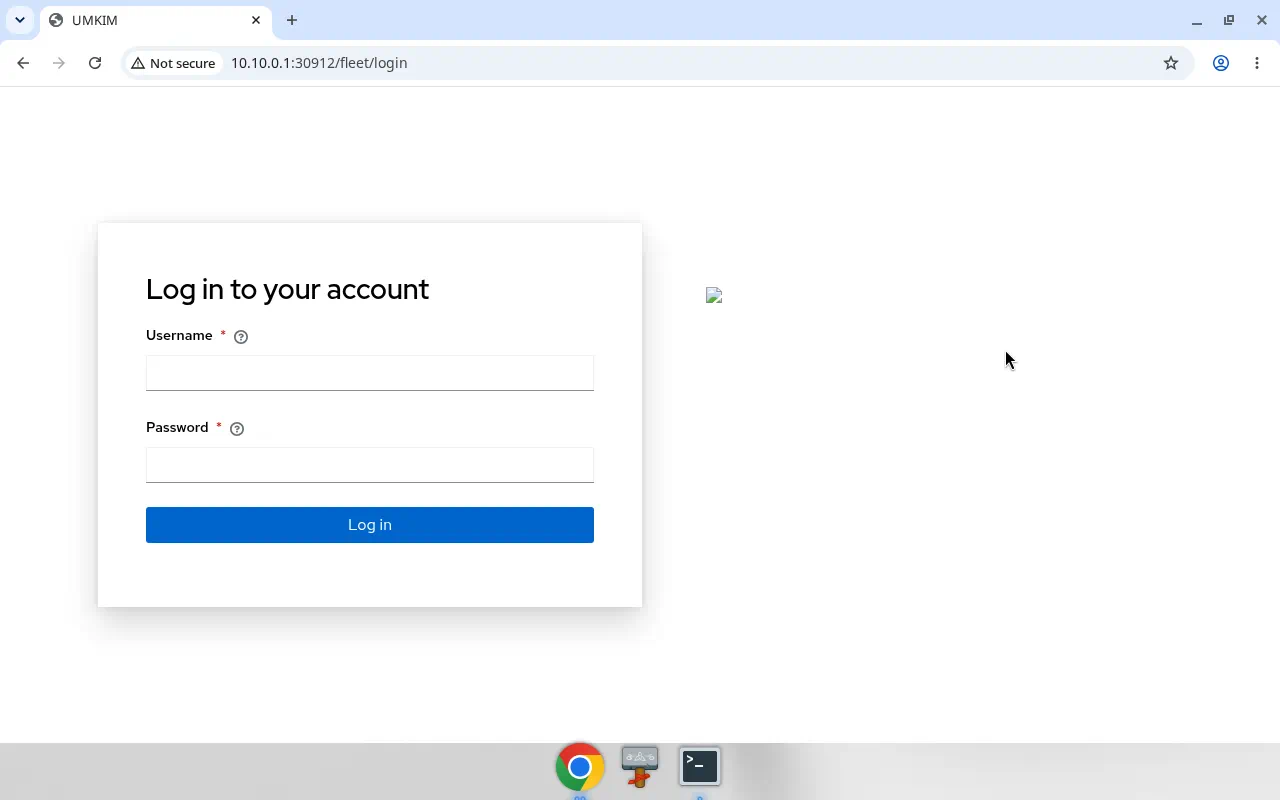
Section titled “A1 — Install the hub”Follow Install the hub and Verify hub install. On the hub host, from /home/linux/umkim:
./scripts/preflight-hub-inventory.sh# vault password file already present outside the repo (mode 600)./scripts/teardown-hub.sh --confirm # reset an existing hub on this host before a clean install./scripts/install-hub.sh./scripts/verify-hub-install.sh./scripts/wg-dev-client.sh qa-tester # client name is requiredVerify: verify script OK — k3s API, CRDs ManagedCluster, FleetClusterJoin, FleetApp, FleetChart, FleetAppRoute, Harbor, fleet-site / fleet-edge / fleet-console-auth, Traefik :80 /ping, nft fleet_hub, WireGuard wg0. Console reachable on the management path; umkim login / browser sign-in works. Hub WAN used for ACME/DNS: CHANGE_ME.
The hub WAN filter is nft table inet fleet_hub (/etc/nftables/fleet-hub.nft). The fleet_hub_firewall role does not disable firewalld. It opens the same public TCP and UDP ports in firewalld only when firewall-cmd --state succeeds. TCP 30080 and 30443 stay blocked on the hub WAN address CHANGE_ME. Hub ACME is HTTP-01. When hub ACME is enabled, hub Traefik binds TCP 80 and 443. When hub ACME is off, the gateway listens on TCP 9080 and does not bind 443. demo.otthol.hu is the hub gateway.
A2 — Hub LLDAP + Authelia (ingress auth)
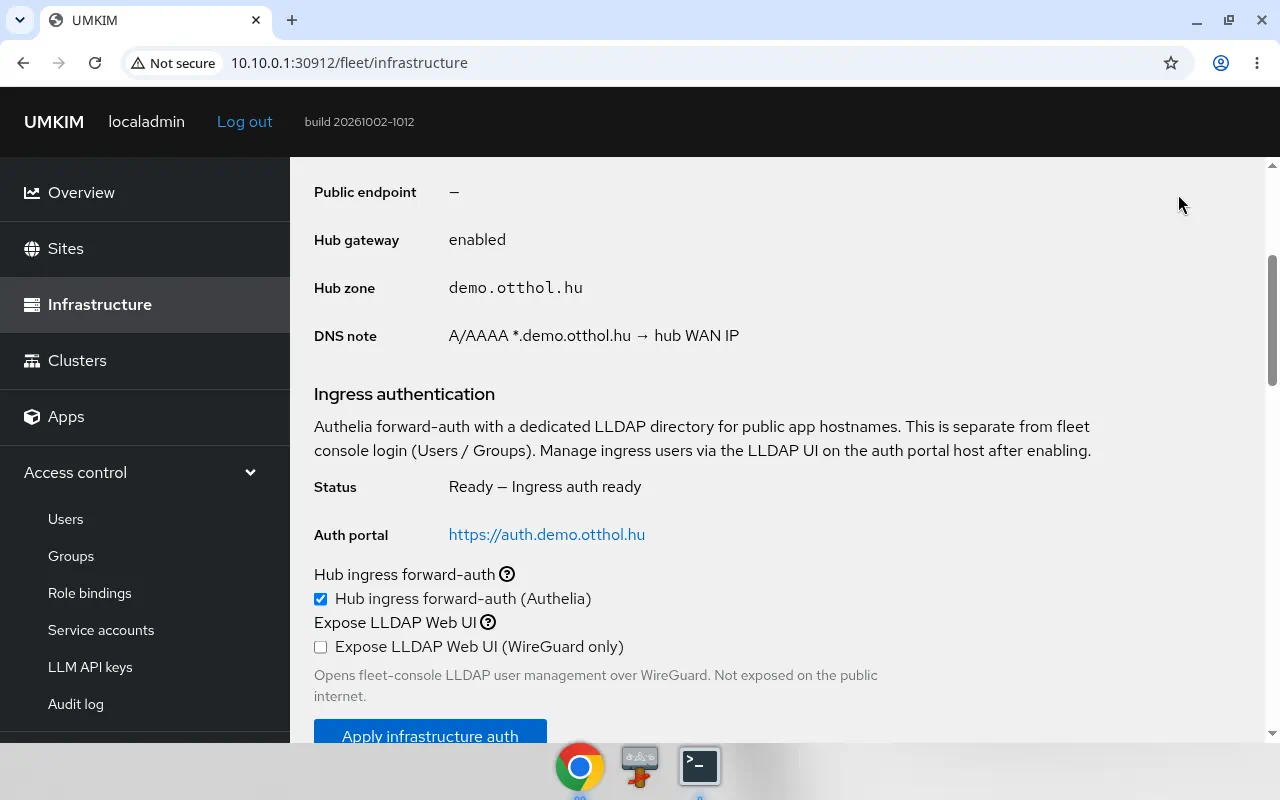
Section titled “A2 — Hub LLDAP + Authelia (ingress auth)”Ingress auth is separate from console login. See Ingress auth.
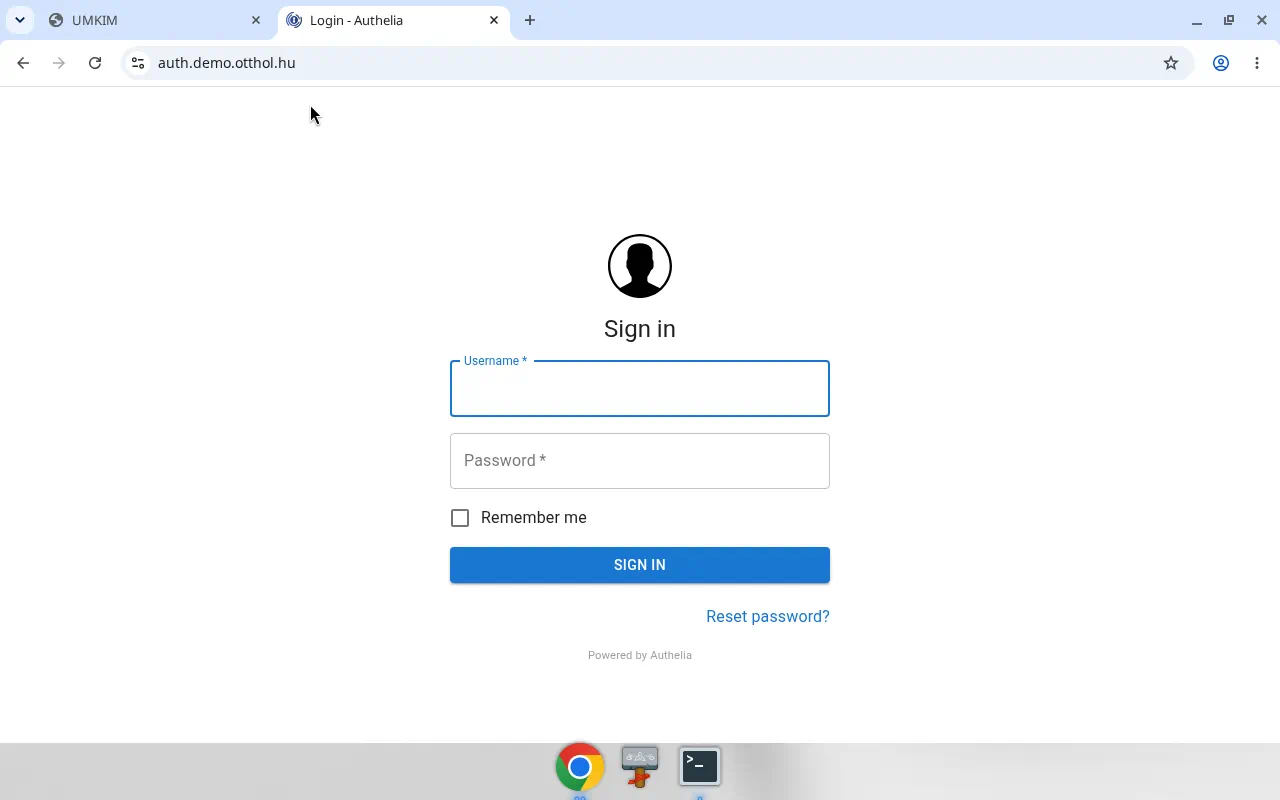
umkim ingress-auth getumkim ingress-auth set --hub-enabledumkim ingress-auth get# hub phase Ready; portalHost auth.demo.otthol.hukubectl get pods -n fleet-ingress-authcurl -4 -sS -o /dev/null -w '%{http_code}\n' https://auth.demo.otthol.hu/Verify: hub Authelia/LLDAP pods Running; portalHost auth.demo.otthol.hu serves HTTP 200 with a Let’s Encrypt cert (CN=auth.demo.otthol.hu).
A3 — Create a site with hub gateway
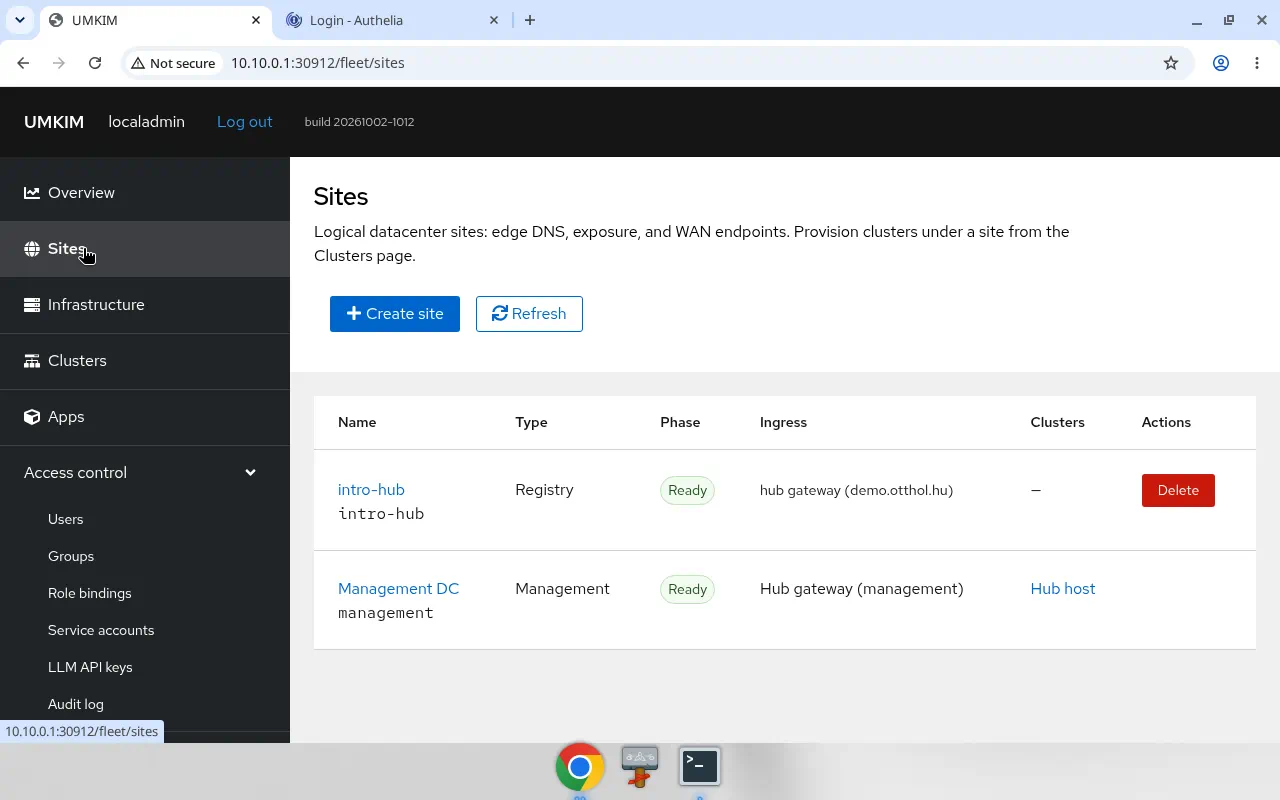
Section titled “A3 — Create a site with hub gateway”Console: Sites → Create → profile with hub gateway. Site name intro-hub, hub zone demo.otthol.hu.
CLI:
cat > /tmp/site-intro-hub.json <<'EOF'{ "apiVersion": "fleet.umkim.com/v1alpha1", "kind": "FleetSite", "metadata": { "name": "intro-hub" }, "spec": { "siteName": "intro-hub", "siteId": "intro-hub", "provisioningMode": "registry", "edge": { "hubGateway": true, "hubZone": "demo.otthol.hu", "hubWildcard": "*.demo.otthol.hu" } }}EOFumkim site create -f /tmp/site-intro-hub.jsonumkim site get intro-hubVerify: site Ready with hubGateway: true; hubZone / hubWildcard for demo.otthol.hu. Management site management remains (hub registry metadata).
A4 — First cluster on existing Rocky 10
Section titled “A4 — First cluster on existing Rocky 10”Target: BM virt03 at 172.16.10.4 (preinstalled Rocky Linux 10, SSH via jumphost). Site provisioner noop / bundle (no YAIDAP yet).
Console: Clusters → Create → single node → download bootstrap → run on the node → Provision when Validated.
CLI: umkim cluster create -f posts this JSON body (clusterName, siteId, bootstrapHost, topology, networkMode). The hub stores it as a FleetClusterJoin.
cat > /tmp/cluster-intro-single-0.json <<'EOF'{ "clusterName": "intro-single-0", "siteId": "intro-hub", "bootstrapHost": "172.16.10.4", "topology": "single_node", "networkMode": "wireguard"}EOFumkim cluster create -f /tmp/cluster-intro-single-0.jsonumkim cluster wait intro-single-0 --phase ScriptIssued --timeout 15mumkim cluster bootstrap intro-single-0 --bootstrap-host 172.16.10.4 --ssh-user linux# bootstrap SSHs via jump.otthol.hu:30200 → 172.16.10.4umkim cluster wait intro-single-0 --phase Validated --timeout 45mumkim cluster provision intro-single-0umkim cluster wait intro-single-0 --phase Ready --timeout 45mTreat the bootstrap bundle as a secret.
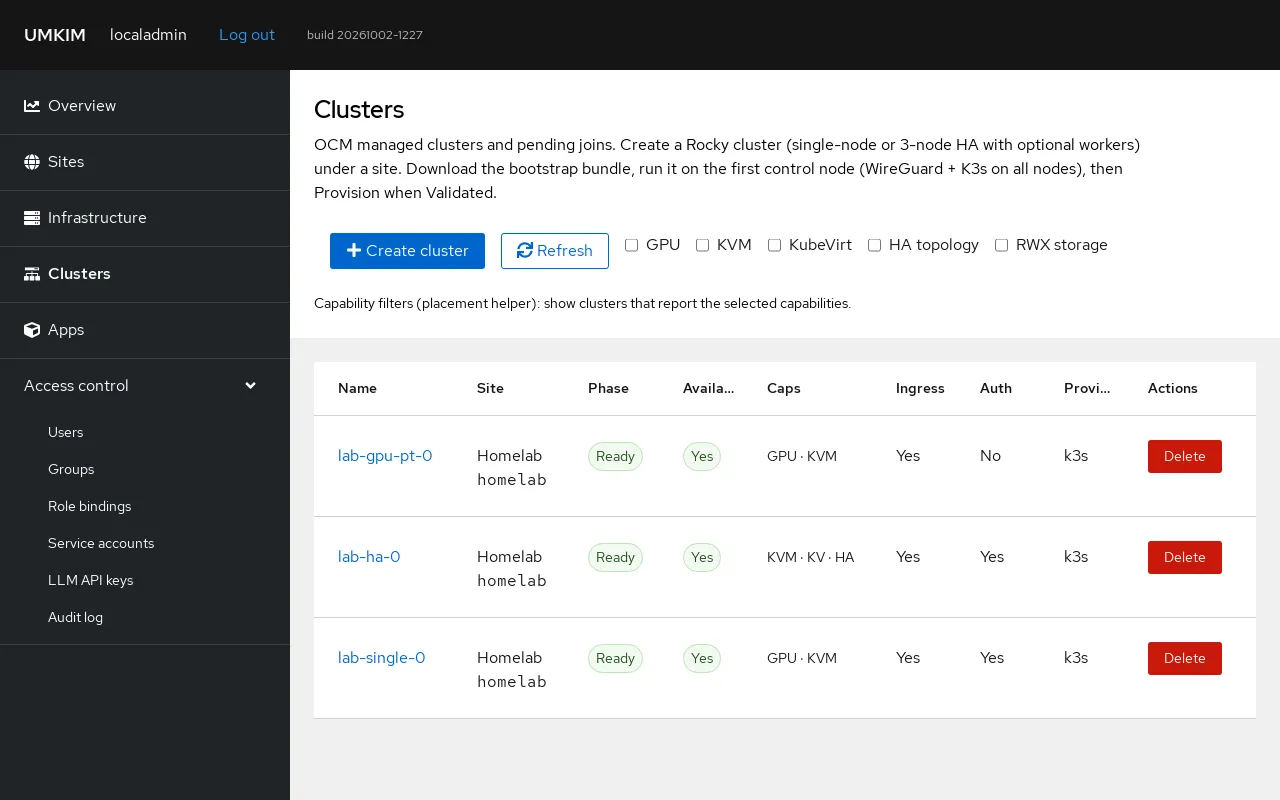
Verify: umkim cluster get intro-single-0 phase Ready; ManagedCluster Available; spoke overlay address 10.10.0.10 (Traefik NodePort 30080).
A5 — Chart library
Section titled “A5 — Chart library”Confirm the seeded whoami chart (Harbor import) in Apps → Library.
umkim chart listumkim chart get whoamiVerify: whoami 0.1.0 Ready (also rocky-10-vm, llama-cpp-helm, pet-clinic-helm listed). See Deploy first app and FleetApp.
A6 — Hub-routed public app
Section titled “A6 — Hub-routed public app”Install whoami with route.mode: hub and Require authentication unchecked.
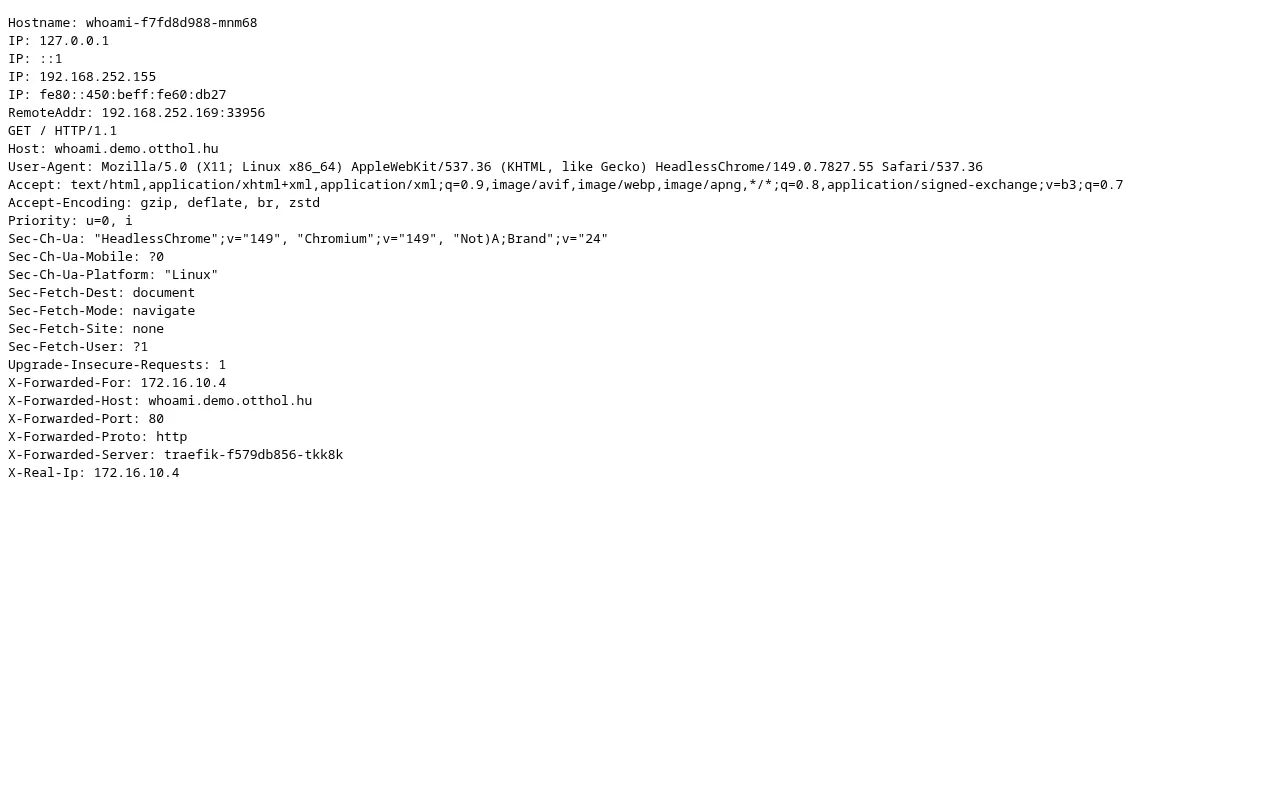
umkim app create --cluster intro-single-0 --chart whoami --version 0.1.0 \ --release whoami --route-mode hub --route-host whoami.demo.otthol.huumkim app get whoamicurl -4 -sS https://whoami.demo.otthol.hu/ | headVerify: app Ready; curl -4 https://whoami.demo.otthol.hu/ returns whoami body (HTTP 200, cert CN=whoami.demo.otthol.hu) without login.
demo.otthol.hu is the hub gateway. Hub-routed whoami stays on cluster lab-single-0 at https://whoami.demo.otthol.hu. The commands in this section use intro-single-0; A7 removes that cluster.
A6b — Hub Authelia middleware
Section titled “A6b — Hub Authelia middleware”route.requireAuth is a field on the create JSON (FleetApp.spec.route). The hub projects it to a FleetAppRoute:
cat > /tmp/whoami-auth.json <<'EOF'{ "name": "whoami-auth", "clusterName": "intro-single-0", "chart": "whoami", "version": "0.1.0", "releaseName": "whoami-auth", "namespace": "default", "route": { "mode": "hub", "hubHost": "whoami-auth.demo.otthol.hu", "requireAuth": true }}EOFumkim app create -f /tmp/whoami-auth.jsoncurl -4 -sSI https://whoami-auth.demo.otthol.hu/ | headVerify:
| Check | Expected |
|---|---|
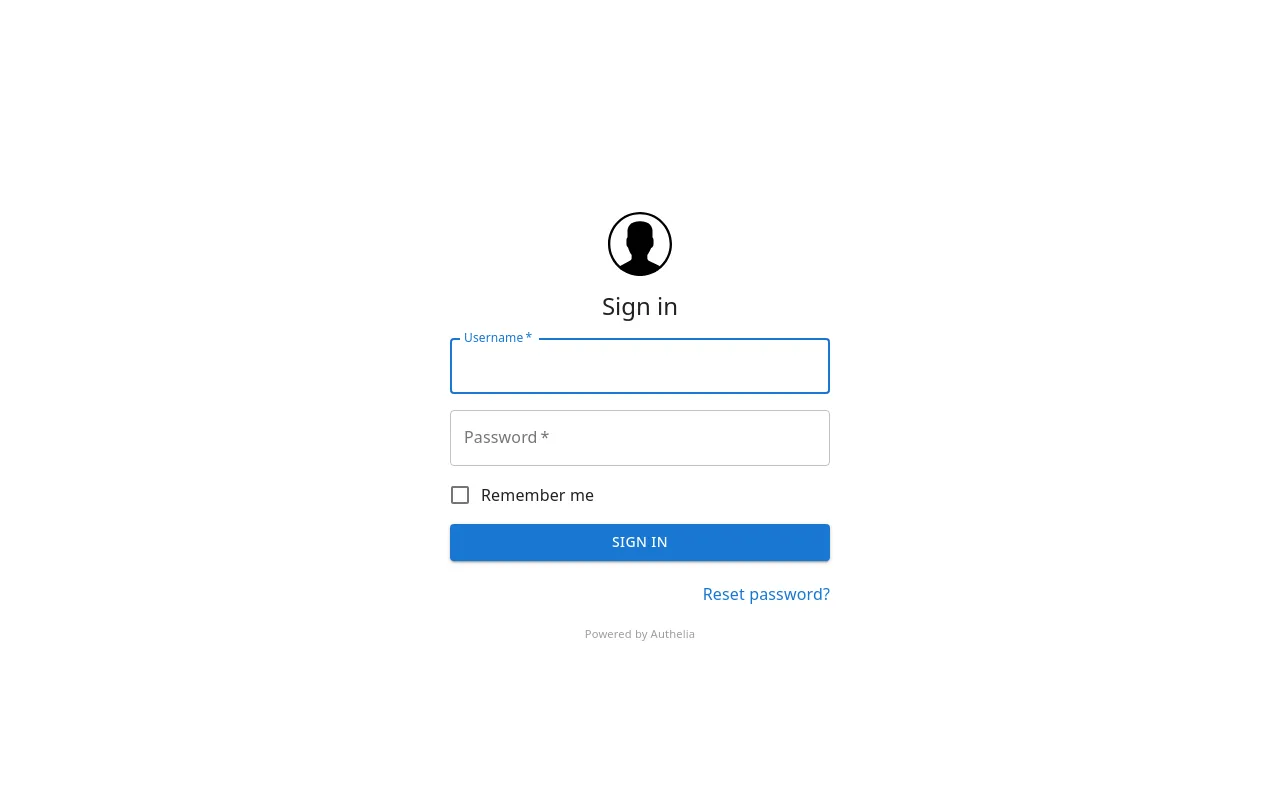
| Unauthenticated request | HTTP 302 → https://auth.demo.otthol.hu/?rd=https%3A%2F%2Fwhoami-auth.demo.otthol.hu%2F… |
| Browser after LLDAP login | whoami body visible |
| Traefik TLS route | fleet-edge-authelia middleware on whoami-auth.demo.otthol.hu |
A7 — Teardown apps, cluster, site
Section titled “A7 — Teardown apps, cluster, site”Order: apps → cluster → site. Keep the management site.
umkim app delete whoami whoami-authumkim cluster delete intro-single-0 --cleanup-kubernetes --waitumkim site delete intro-hub --confirmumkim app listumkim cluster listumkim site listVerify: apps and clusters are empty; sites show only management. Before Phase B reuses virt03 (172.16.10.4), confirm k3s is stopped. If the node still runs k3s after --cleanup-kubernetes, run k3s-uninstall on that host.
Continue with Lab site, HA, and ops (Phase B).